
Surprising fact: the U.S. EPA says recycling one million laptops saves enough energy to power about 3,500 homes for a year.
That scale matters. When you retire old electronics, simple choices can keep toxic substances out of landfills and preserve rare materials for new products.
At TechArtMuse.com, we offer friendly, practical steps you can use today to handle desktops, peripherals, and small equipment the right way.
This guide explains why reuse often makes sense, how to wipe data safely, and where to find trusted services that accept any brand or condition.
Key Takeaways
- Responsible disposal keeps hazardous materials out of landfills and lowers pollution.
- Reusing viable equipment saves materials and reduces demand for new extraction.
- Wiping drives and choosing certified services helps prevent identity theft.
- Many mail-back and local options exist across the United States.
- Following simple steps makes compliance with e-waste rules easy and stress-free.
Why recycling computer parts matters right now in the United States
Electronic waste is rising fast, and the U.S. feels the impact in landfills and supply chains. Diverting old equipment keeps toxic materials out of soil and water while letting industries recover metals and glass for new products.
Safe handling also protects your information. Trusted services include data-wiping or certified destruction of a hard drive and other storage devices. That lowers identity risk for consumers and businesses alike.
State and local e-waste rules are expanding. Many areas now include environmental fees or collection programs. Using an approved service simplifies compliance for both personal and business asset disposal.
- Less waste: Fewer systems in landfills means fewer toxins and longer landfill life.
- Material recovery: Valuable metals and components return to manufacturing, reducing mining demand.
- Convenience: Mail-back labels, drop-off sites, and certified services accept devices in any condition or form.
Every device diverted helps. The EPA notes that recycling one million laptops saves enough energy to power about 3,500 homes for a year. For more tips and how-tos aimed at U.S. readers, visit www.TechArtMuse.com.
Reuse versus recycling: choosing the most sustainable path
Choosing the greener path often comes down to whether a device still works for someone’s needs.
Reuse keeps a device or its components in service. Examples include turning an internal hard drive into an external backup or moving RAM into a newer system. If an item powers on and meets basic needs, refurbishing or donating usually preserves the most value with minimal energy input.
When a device no longer functions, the recovery process separates metals, glass, plastics, and circuit boards so raw materials can flow into new products. Professional services can remove valuable components, sell them for refurbishment, and responsibly handle the remainder.
- Assess condition honestly: if it works, consider donation or repurpose.
- Repurpose valuable components to extend useful life.
- Choose certified services when you want a hands-off, documented process for materials recovery.
Whichever way you pick, protect personal information first and favor services that explain what happens next. For friendly how-tos and ideas to extend device life, visit www.TechArtMuse.com.
How to start recycling computer parts step by step
Start with a simple checklist that protects your information and helps you choose the right service.
Back up your files first. Sign out of accounts and deauthorize software to avoid licensing headaches. Remove any detachable media, then erase the hard drive with trusted tools or arrange certified data destruction if needed.
Create a short inventory of items and equipment — desktops, laptops, drives, cords, and accessories. That makes it easy to complete an online form and choose the right option for each item’s condition.
- Mail back: Use Dell’s Mail Back to generate a prepaid label and request a box in MD, MI, NJ, or NY. Keep boxes under 150 lb and within 108″ length or 165″ length-plus-girth.
- Drop off: Dell Reconnect with Goodwill accepts many brands and conditions, from monitors to phones.
- Batteries: Take lithium and other chemistries to Call2Recycle drop-offs.
For small offices, pick services with NIST SP 800-88 r1 data sanitization and keep a dated record of the recovery service used. If you have questions, review the service FAQ before shipping.
What parts and materials can be recycled and how they’re processed
Electronics recovery starts by sorting visible components and routing each item to an appropriate stream. Typical equipment contains plastics, ferrous and non-ferrous metals, circuit boards (~12%), and glass (~15%).
Small toxic items need special care. CMOS coin-cell batteries are handled by specialists so hazardous waste stays out of landfills.
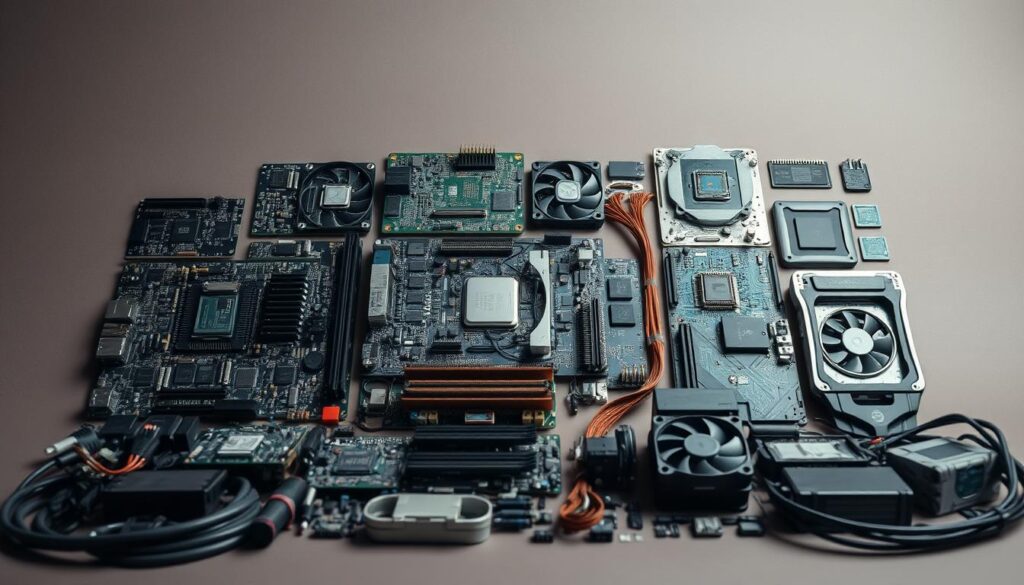
- Mix of materials: ABS cases, metal frames, and circuit boards dominate weight; the exact type varies by model.
- Valuable components: Motherboards, cards, and CPUs carry copper, silver, and gold that feed materials recycled back to manufacturers.
- Hard drive and drive enclosures: Aluminum housings and magnetic disks are separated while any remaining data is addressed before further processing.
- Optical and power units: Steel, copper, and aluminum are common outputs from these assemblies.
- Hazard control: Lead and flame retardants are removed and kept out of landfills through controlled streams.
- Final steps: De-manufacturing is followed by shredding and smelting, converting mixed scrap into raw materials for new products.
- Low residual waste: Only about 2% of a typical computer resists recovery; most becomes useful feedstock.
For visual breakdowns and parts lists, see guides at www.TechArtMuse.com. Understanding what’s inside helps you see how thorough e-waste recycling reduces waste and recovers raw materials for future products.
Recycling computer parts in the U.S.: practical options and compliance
You have several practical paths to dispose of old gear while staying compliant with U.S. rules.
Households: Use nationwide recycling services that accept devices in any condition. Dell’s consumer options include Trade In (credit or free recycling), Mail Back (prepaid label; box on request in MD, MI, NJ, NY; ≤150 lb; size limits apply), and Dell Reconnect with Goodwill (2,000+ drop-offs).
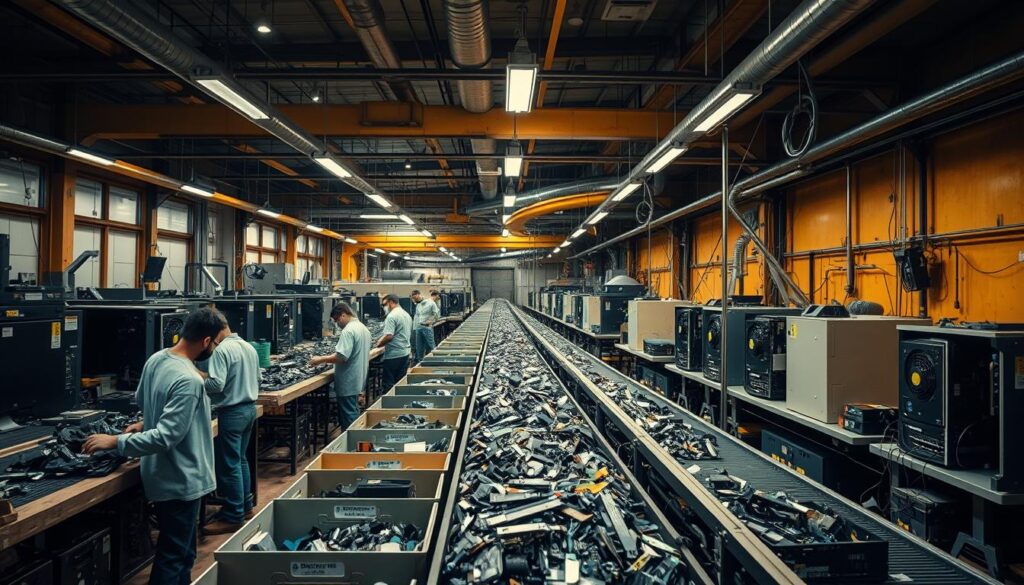
Businesses: Choose an asset recovery company that offers multi-brand pickups, auditable recovery reporting, and NIST SP 800-88 r1 data sanitization. Confirm the company’s policy against exporting e-waste to developing countries.
- Mail-back ease: Print a prepaid label, pack within weight and box limits, and ship—often no fee for consumer programs.
- Community option: Drop off eligible laptops, desktops, cords, and peripherals at Dell Reconnect sites for reuse or proper recovery.
- Batteries: Use Call2Recycle.org for safe battery stewardship.
Ask questions about accepted items, documentation, and any state fees (California collects a mandatory environmental fee on certain electronics). Keep receipts or certificates to prove compliant disposal.
For curated U.S. options and how-to links, start with www.TechArtMuse.com.
Conclusion
Smart disposal choices help you save resources, avoid risk, and support sustainable manufacturing.
Act today: if gear still works, donate or reuse it. If not, pick a trustworthy recycling service that handles components and recovers raw materials responsibly.
Secure your data by wiping or certifying drive destruction, then pack items for mail-back or drop-off. Keep receipts or certificates for proof and compliance.
Most materials in computers and parts return to industry for new products, cutting waste and energy use—recycling one million laptops saves power equal to about 3,500 homes for a year.
Bookmark www.TechArtMuse.com for checklists, updated U.S. options, and simple routines that make sustainability easy for both households and company asset programs.