
Nearly 50 million tons of e-waste are created each year, and much of it has parts that can become striking, gallery-ready pieces.
This guide from TechArtMuse shows a friendly, step-by-step way to move a dusty desktop into a framed creation you can hang with pride.
Start simple: gather donor machines, protect your surface with cardboard or a towel, and sort screws and cables into bags. Small parts like wires, heatsinks, and plugs give texture and visual interest.
We’ll cover safe disassembly, clever layouts, and easy assembly using hot glue and basic tools. Many makers paint black, dry-brush metallics, then seal with spray varnish for a polished finish.
By organizing finds and using cheap frames, you speed future projects and create a reliable stash of inspiration. Expect clear, practical steps that keep the work approachable and fun.
Key Takeaways
- Salvage parts from donor machines to add texture and depth.
- Protect your workspace and organize screws and cables for reuse.
- Use simple adhesives, basic paint techniques, and a thrifted frame for a polished result.
- Plan layout and lighting for drama while keeping electronics safe.
- Build a parts stash to make future projects faster and more creative.
Why Upcycling Old Computers into Art Belongs on TechArtMuse.com
At TechArtMuse, we celebrate projects that reshape hardware into meaningful pieces. This site champions approachable tech creativity and eco-minded making. Readers find a friendly place to learn how a computer can be a medium, not just a tool.
Computer art has deep roots. Bell Labs’ BEFLIX experiments and IBM’s System/360 display work prove that creativity and technology have evolved together. Modern makers add social value by reusing parts in public projects like Rodrigo Alonso’s N+ew Seats or Shen Bolun’s mobile-phone installation for Greenpeace.
That history gives our guide context and purpose. We show a clear way to curate parts, plan a form, and finish a piece that looks professional without expensive gear. The result adds environmental value and sparks interest in the wider world of maker practice.
TechArtMuse is the right place for artists and hobbyists. The site offers stepwise work that fits busy schedules, supports different styles and spaces, and helps each artist discover their own voice.
Safety First: Power, Dust, Sharp Edges, and Work Surface Protection
On www.TechArtMuse.com, we put reader safety first with clear, friendly guidance you can trust.
Before you touch any computer, unplug the unit and press the power button for a few seconds to discharge residual power. Always confirm cables are dead and avoid opening power supplies unless trained.
Wear eye protection and consider gloves to protect your hand from sharp sheet metal, heatsinks, and tiny components. Ventilate the room and use a dust mask when you open keyboards or cases — they hide crumbs and dust.
Protect your work surface with cardboard or a towel to stop scratches and simplify cleanup. Keep a simple tool set: flat and Phillips screwdrivers, plus Torx or star drivers for drives and screws you will harvest.
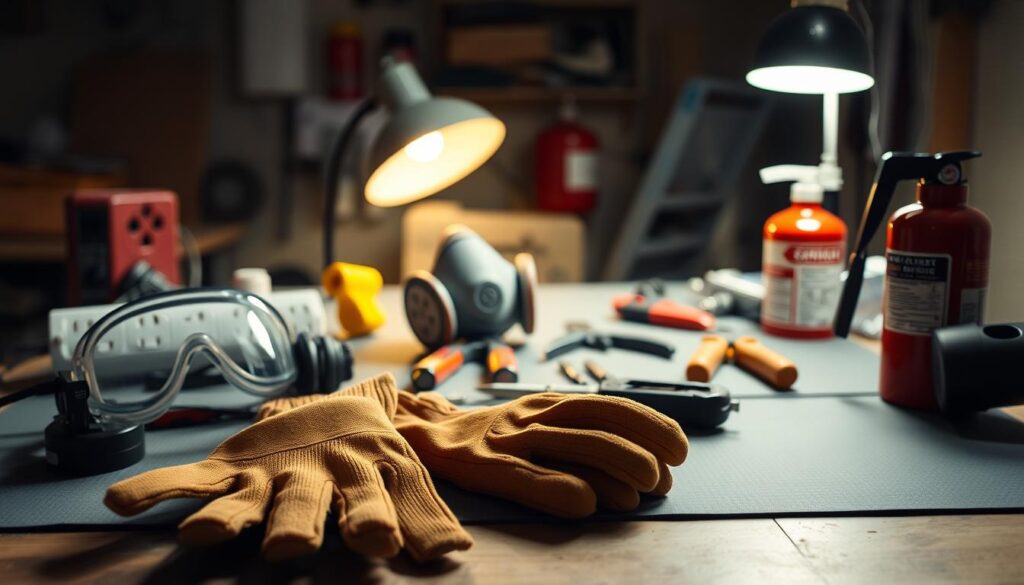
- Use pliers and snips for cables and zip ties.
- Sort screws and parts into labeled bags as you go.
- Never cut a cord until you verify it is not live.
| Risk | Protective Measure | Tool |
|---|---|---|
| Sharp edges | Gloves and eye protection | Pliers |
| Residual power | Unplug and discharge | Screwdriver set |
| Dust and debris | Ventilate; dust mask | Cardboard/towel |
“A tidy, protected workspace keeps projects safe and more enjoyable.”
Essential Tools and Supplies for Deconstructing and Building Your Art
A compact kit saves time and keeps your work flowing. Start with a basic set: flat and Phillips drivers plus a small precision set. Add Torx/star drivers so you can open most computer machines without stripped screws.
Pliers and snips free parts and components cleanly. Needle-nose pliers are great for tight spots. Snips cut cables and zip ties without damaging visuals you want to keep.
Keep a hot glue gun for quick tacks and pair it with epoxy gel or construction adhesive when a stronger bond matters. Stock clamps, painter’s tape, and small supports to hold odd shapes while glue cures.
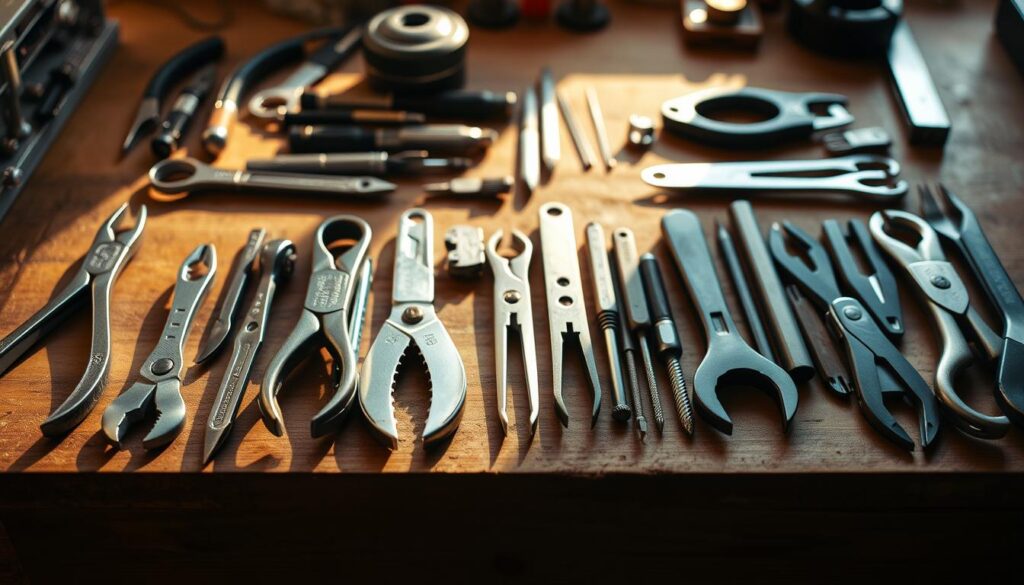
- Basic paint stack: primer, matte black, metallic accents, and clear varnish for consistent finishes.
- Low-cost frames or an MDF panel serve as sturdy backing for your works.
- Organizers—bins, jars, and labeled bags—save time when you hunt for screws, fans, or decorative bits.
- Optional: a rotary tool for deburring and a dust brush to keep your parts store clean.
| Item | Purpose | Where to Buy |
|---|---|---|
| Screwdriver set | Open cases and remove fasteners | Hardware or electronics store |
| Pliers & snips | Cut and extract components | General store or online |
| Hot glue & epoxy | Quick tack and permanent bonds | Craft store |
| Frame or MDF | Sturdy backing for mounting works | Department or thrift store |
“A small, well-organized kit keeps creativity moving and reduces wasted time.”
Finding Donor Machines and Interesting Electronic Parts
Hunt for material in your neighborhood and you’ll find more usable parts than you expect.
TechArtMuse encourages ethical, eco-friendly sourcing and community sharing as part of a steady practice. Ask friends and neighbors to save old computers and machines, and watch for local e‑waste collection days and curbside pickups.
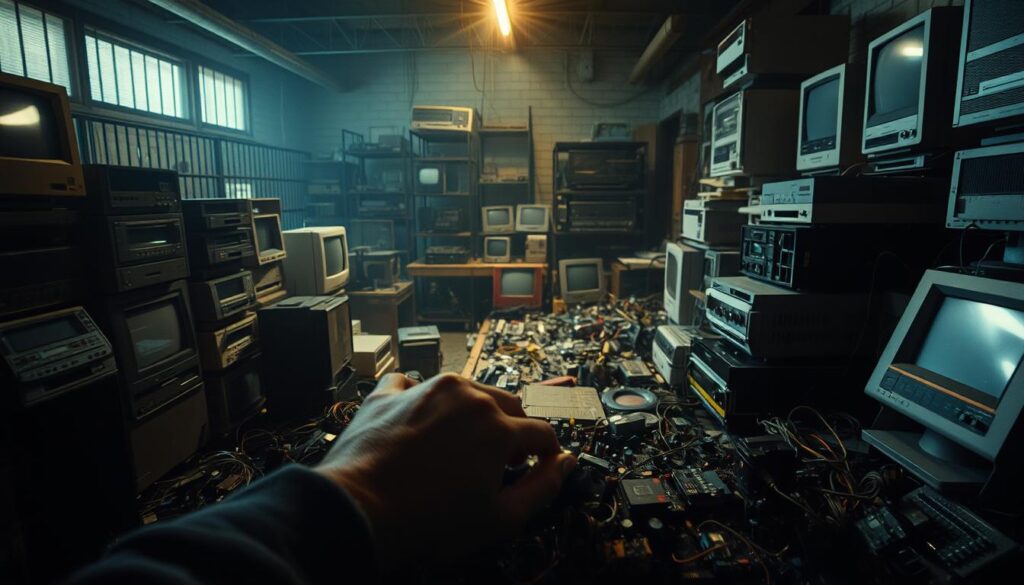
Visit thrift shops and recycling centers for cheap towers, keyboards, and frames. A department store or secondhand shop often has frames and MDF offcuts that make great backing boards.
Focus on high-interest finds: heatsinks, ribbon cables, fans, patterned boards, and tiny screws. These small things bring texture and life to pieces.
- Ask repair shops for dead parts; many will let artists sort bins.
- Keep a running wishlist so a quick stop at a favorite store becomes productive.
- Evaluate cases quickly: dents outside can hide beautiful internals inside.
| Source | What to Look For | Cost |
|---|---|---|
| Thrift & secondhand | Frames, towers, keyboards | $–$10 |
| Repair shops | Boards, fans, plugs | Often free |
| Curbside / e‑waste days | Large casings, cables, drives | Free (legal pickup) |
“Artists around the world show how consistent sourcing can fuel ambitious projects.”
Disassembly 101: Harvesting Components, Cables, and Textures
Treat disassembly like a small investigation: remove side panels, document clusters, and protect delicate traces as you go.
Work from the outside in: unscrew cases, pull drives and fans, and remove the power supply without opening it. Keep screws in labeled cups or snap-lock bags so later work flows faster.
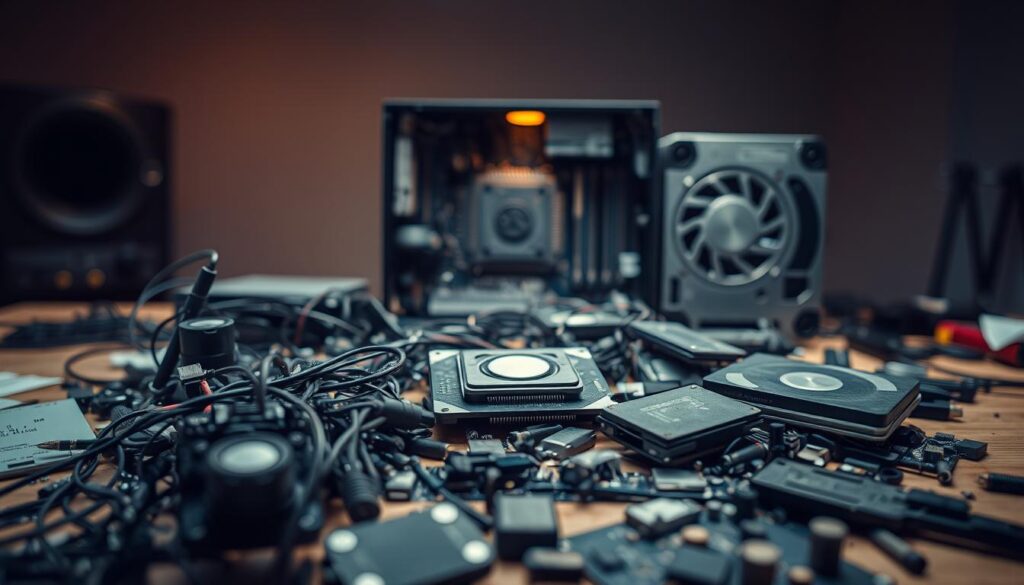
Clip cable ties but keep harnesses intact; braided wires and curved cables create natural ways to lead the eye in a final piece. Pop heatsinks, RAM, and I/O shields and inspect board backs—gold pads, vias, and solder lines are valuable textures.
- Sort items by color, size, and texture to speed layout.
- Photograph standout assemblies before separation so you can re-create layouts later.
- Use gentle leverage rather than force and wipe dust so adhesives and paint adhere cleanly.
| Item | Action | Tip |
|---|---|---|
| Fans & cages | Remove whole; keep blades intact | Mount as radial focal points |
| Cables & harnesses | Clip ties; keep curves | Use for leading lines in composition |
| Boards & modules | Pop RAM, I/O shields, and heatsinks | Highlight backs for texture |
| Screws & small bits | Sort into labeled bags | Speeds future assembly |
“A calm, methodical approach makes harvesting parts simple and satisfying.”
Frames, Backing, and Structure: Building the Right Base
Decide on your frame before you start arranging parts; it saves time and keeps scale accurate.
Cheap picture frames from craft stores work well. Remove the glass and use the backing board as your main surface. If a thrift frame lacks a board, cut an MDF panel to size.
Consider using a computer case panel for an industrial base. It complements the tech aesthetic and supports heavier structures like heatsinks and fans.
Dry-fit your set of anchor elements first. Place the largest boards, heatsinks, and cable runs so the work feels balanced before you glue anything.
Plan hanging hardware and weight distribution. Reinforce the back with battens if the piece needs extra support. Mind component height if the frame has shallow depth.
- Trace the visible opening on the backing to keep key pieces inside the frame.
- Use MDF or a solid backing board to avoid warping under heavy parts.
- Select a deeper frame for a shadowbox effect that highlights layered structures.
| Option | Benefit | When to Use |
|---|---|---|
| Craft frame backing | Low cost; ready fit | Small to medium pieces with shallow depth |
| MDF cut-to-size | Very sturdy; supports weight | Heavier assemblies and custom sizes |
| Computer case panel | Industrial look; built-in mounting points | Works for large, tech-focused compositions |
“A clear base makes the rest of the work simple and reliable.”
Composition and Arrangement: From Piles to Purposeful Pieces
Place your collected parts inside the traced opening and build outward with intent. Start with large boards and heatsinks, then add fans and cable runs so the work reads as a single composition rather than a pile.
Use visual flow: route cables in soft S-curves to lead the eye. Keep breathing space so textures and patterns can stand out and catch the light.
Balance weight by opposing heavy elements across the picture. Tuck fans partly under boards and layer heatsinks for depth. Shadows between layers add drama and interest.

Unite the creation with repeating motifs—rows of capacitors or finned heatsinks—to create rhythm. Photograph arrangements before you glue so you can compare versions and keep your favorite piece intact.
- Begin inside the traced frame line and build from large to small.
- Guide the eye with cable curves and clear focal hierarchy.
- Leave negative space so textures can breathe and reflect light.
| Step | Why it matters | Quick tip |
|---|---|---|
| Large anchors first | Creates structure and balance | Place at opposite corners or center |
| Layering | Adds depth and shadow | Tuck smaller parts under mid-size pieces |
| Repeating shapes | Builds rhythm and cohesion | Use similar fins, rows, or screws |
“A single strong focal element makes the rest of the piece support, not compete.”
Gluing and Fastening: Making Your Creation Solid
Good adhesion begins with preparation: clean surfaces, score smooth plastics, and sand metals lightly so adhesives have a surface to grip.
Use hot glue for quick tacks so you can test fits and adjust in real time. Reinforce heavy elements with epoxy or construction adhesive when the piece must bear weight from a machine part.
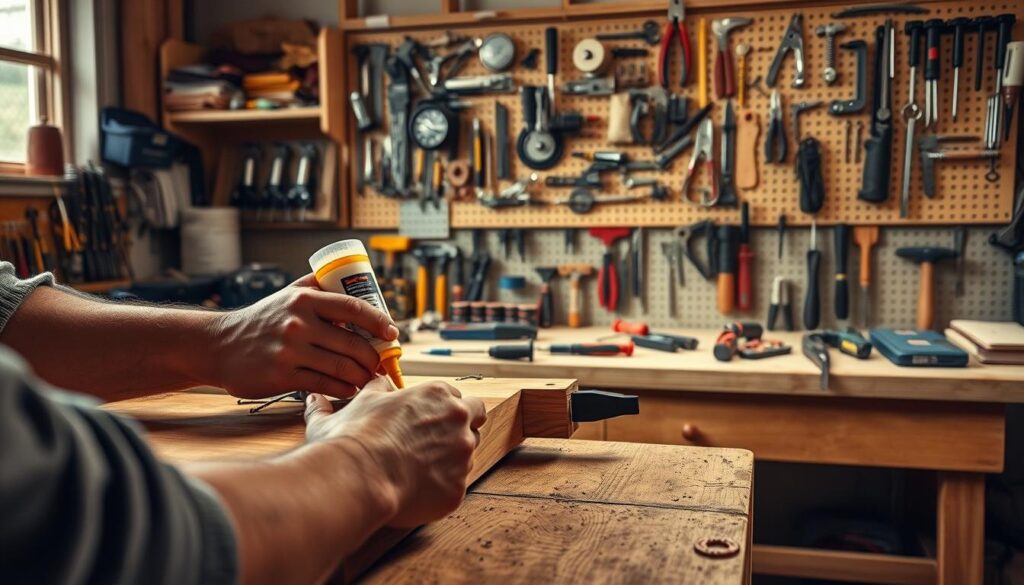
Dry-fit complex subassemblies by hand and glue in stages. This keeps pieces from shifting while adhesives cure and saves repair time later.
- Add hidden props or spacers under large boards to keep them level and reduce stress on glue joints.
- Consider multiple ways to fasten: zip ties through drilled holes, small screws into MDF, or brackets for very heavy sections.
- Mind curing time; let adhesives set fully before you stand the work upright.
Keep glue lines neat and out of sight so finished works look intentional from every place a viewer might stand. Refit the frame after assembly for a clean, durable result.
| Method | Best for | Speed | Strength |
|---|---|---|---|
| Hot glue | Quick tacks and lightweight parts | Fast | Medium |
| Epoxy / construction adhesive | Heavy parts and long-term bonds | Slow | High |
| Screws & brackets | Structural joins to MDF or frames | Medium | High |
| Zip ties & drilled mounts | Flexible fittings and removable parts | Fast | Medium |
“A staged, repeatable approach makes repair easy and keeps your piece reliable over time.”
Color, Light, and Finish: Paint, Metallics, Varnish, and LEDs
Use paint, varnish, and subtle lighting to lift textures and define depth across your work.
Prime first, then paint a matte black base to unify mixed parts. Dry-brush metallics over raised edges so the picture reads with crisp highlights.
If you prefer bold colour, layer saturated hues over the base and pick out capacitors or cable sheathing for playful contrast that still looks refined.
Add clear spray varnish to seal paint, deepen tones, and protect surfaces. Choose matte or satin depending on how much sheen you want on the works.

Introduce light using low-voltage LED strips tucked behind fins or under boards. Test voltage and polarity carefully and hide wiring in channels so the technology remains safe and tidy.
“A little metallic and the right light can make every texture sing.”
- Photograph under different light setups to judge finish and metallic intensity.
- Reattach the frame only after varnish cures for a clean result.
| Finish | Effect | When to Use |
|---|---|---|
| Matte black + metallic dry-brush | Unifies parts; highlights edges | Mixed textures and technical works |
| Bold colour over base | Playful contrast; modern vibe | Picture-focused pieces and vivid media |
| Clear spray varnish (matte/satin) | Seals and deepens tone | Protection and final sheen control |
| Low-voltage LEDs | Glow and shadow; gallery pop | Ambient display and evening viewing |
turning old computers to art: Step-by-Step Project Walkthrough
Follow a clear, linear plan and you can finish a striking piece in an afternoon.
This TechArtMuse walkthrough gives a friendly path you can follow today. Protect your surface with cardboard or a towel and set your kit: flat and Phillips drivers, small and Torx drivers, pliers, and snips.
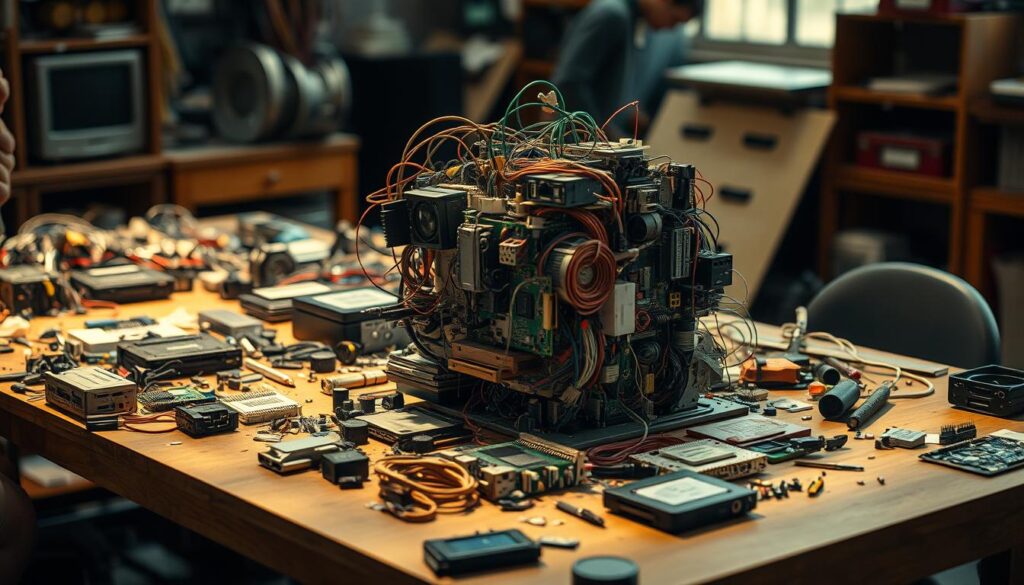
- Find a donor computer and set up a protected work area so you can start without worry.
- Lay out tools and containers to sort screws and small things; organization saves time.
- Disassemble carefully, keep interesting bits and recycle large casings responsibly.
- Pick a frame and use the backing or an MDF board; draw the frame line and place anchor parts.
- Dry-fit, photograph the layout, then glue in layers by hand from large to small.
- Paint if you wish (matte black plus metallic dry-brush) or leave raw and spray varnish.
- Reinstall the frame, add hanging hardware, and take time placing the piece for best light.
- Review what works and note tips for your next build.
“A simple sequence lets creativity stay playful and productive.”
| Phase | Key Action | Quick Tip |
|---|---|---|
| Prep | Protect surface; set tools | Use labeled bags for screws |
| Harvest | Remove boards, cables, fans | Keep curved harnesses for flow |
| Assemble | Dry-fit, photo, hot-glue | Work large to small |
| Finish | Paint or varnish; hang | Test lighting and angle |
Inspiration from Computer Art History and Today’s Media Landscapes
Early experiments show how technical limits become creative fuel. Ben F. Laposky’s oscillons and Gordon Pask’s Musicolour proved that signals and sound can make striking picture sequences and evolving lights.
Bell Labs and IBM supported pioneers like Ken Knowlton and the System/360 teams, which pushed raster video and plotter work into new territory. These days, artists still borrow that spirit: rule-based geometry from Manfred Mohr, algorithmic drawings from Vera Molnar, and the chance/order play in works by Frieder Nake and Georg Nees.
Use these precedents as prompts: Lillian Schwartz and John Whitney show how motion, lights, and simple machines shape mood. Noll’s nods to Mondrian and Riley suggest ways to echo classic composition with machine-made patterns.
Below are clear takeaways that help makers connect media history with hands-on pieces.
- Look at signal experiments for bold visual starts.
- Apply algorithmic rules to create structure and surprise.
- Use lights and motion to guide viewer attention.
| Figure | What they did | How it helps makers |
|---|---|---|
| Ben F. Laposky | Oscillons—oscilloscope visuals | Turn signals into moving picture ideas |
| Gordon Pask | Musicolour—sound-driven lights | Inspire interactive, feedback-driven pieces |
| Ken Knowlton & Bell Labs | BEFLIX—early raster video | Show value of patient experimentation with media |
“Media limits can become a signature style; let machines suggest new rules.”
Sustainability and E‑Waste Art: Adding Value and Meaning to Your Piece
Artists who reuse electronics create works that connect material history with social purpose.
TechArtMuse champions responsible making that reduces waste while increasing value and conversation in the wider world.
Look at Hicham Berrada’s Permutations: submerged structures of dissolved metals become strange landscapes that question toxicity and beauty.
Rodrigo Alonso’s N+ew Seats shows how everyday materials can become comfortable, functional sculpture. Shen Bolun’s phone tower turned screens into public commentary in recent years.
Across the world, initiatives mix design and social good. Joseph Awuah-Darko’s Agbogblo.Shine links workers and artists, creating high-value furniture from discarded tech.
Smaller-scale practices also matter. Eliza Walter’s Lylie’s and Cyrus Kabiru make wearable works that connect people directly with reclaimed materials.
Practical steps: document provenance, explain your process, and frame each piece within a global landscape. These designed used narratives increase perceived value and invite civic dialogue about the future.
“Reuse can turn scrap into narrative objects that hold meaning, market value, and social purpose.”
| Example | What it shows | How it adds value |
|---|---|---|
| Hicham Berrada | Strange landscape structures | Frames toxicity as poetic commentary |
| Rodrigo Alonso | Functional sculpture (N+ew Seats) | Proves reuse can be durable and desirable |
| Joseph Awuah-Darko | Community enterprise (Agbogblo.Shine) | Creates jobs and high-end market pieces |
| Eliza Walter & Cyrus Kabiru | Jewelry and wearable works | Offers intimate, repeatable formats for sale |
Conclusion
Let the last step be simple: add a frame, find a wall, and enjoy how light reveals texture and colour.
You now have the main ways to bring an idea to life: from sourcing computer parts and composing pieces, through finish and mounting, so your work can claim its place on your wall. Over days and builds your eye for picture balance and colour will sharpen.
Set a small store-and-sort routine so each new opportunity feels easier. Share your finished work at www.TechArtMuse.com — tag us and connect with makers who care about sustainability, media, and creativity.
Most of all, have fun. A single framed piece can start a practice, fill a space, and give discarded technology new life.
FAQ
What safety steps should I take before I start working with retired computer hardware?
Always unplug and remove batteries before you begin. Work in a well-ventilated area and wear gloves and safety glasses to avoid cuts from sharp metal and glass. Use a dust mask when cleaning fans or heatsinks, and protect your work surface with a mat or drop cloth to catch small parts and liquids.
Which tools and supplies are essential for deconstructing and building electronic sculptures?
Start with a basic electronics toolkit: screwdrivers, pliers, anti-static wrist strap, tweezers, and wire cutters. Add a hot glue gun, epoxy, small clamps, sandpaper, and mounting hardware. For finishing touches, include paints, metallic leaf, varnish, and LED strips for lighting effects.
Where can I find suitable donor machines and interesting components?
Check thrift stores, community electronics recycling centers, local repair shops, and online marketplaces like eBay or Facebook Marketplace. University surplus sales and office cleanouts often yield motherboards, hard drives, fans, and colorful cabling that work well in mixed-media pieces.
How do I harvest usable parts without damaging valuable components?
Document the device with photos first, then remove screws methodically, keeping fasteners labeled. Use appropriate drivers to avoid stripping heads. Gently lift connectors and ribbon cables by their housings. Store delicate parts like LCDs and hard drives in anti-static bags or padded containers.
What kind of frame or backing should I use for a wall-mounted computer collage?
Choose a rigid backing such as Baltic birch plywood, masonite, or a metal panel for heavier builds. Build a shallow frame to support depth and add stretcher bars or cleats for hanging. Use spacers or risers to create shadow and allow for LED wiring behind components.
How do I decide on composition and arrangement before gluing components down?
Lay out pieces loosely and photograph different configurations. Consider balance, focal points, and color flow. Group similar textures—circuit boards, ribbon cables, or drive platters—then refine spacing. Use temporary adhesive putty to test placement before committing.
What are reliable methods for attaching parts so the piece stays secure over time?
Mechanical fasteners like screws, bolts, and brackets work best for heavy components. For lighter elements, use epoxy or industrial hot glue. Combine methods—screw a bracket, then epoxy the bracket to the part—to reduce stress on fragile pieces.
How can I incorporate light and color into my electronics artwork safely?
Use low-voltage LED strips or modules powered by a small adapter or battery pack. Conceal wiring behind the backing and fuse your power source when necessary. Finish surfaces with spray paint, metallics, or patina to add depth, and seal with a clear varnish to protect colors.
Are there step-by-step projects suitable for beginners working with computer parts?
Yes—start with small framed collages or a shadowbox featuring a single motherboard and a few hard drive platters. Follow a simple plan: prep backing, arrange parts, attach securely, add lighting, and finish. Online tutorials and maker blogs provide clear photographic walkthroughs.
Where can I find inspiration from historical and contemporary computer-based media art?
Look to institutions like the Museum of Modern Art, the V&A’s digital collections, and artists such as Nam June Paik and Rafael Lozano-Hemmer for context. Contemporary platforms like Instagram and Behance highlight gallery and street-level projects that mix machine parts with video and light.
How does creating art from retired technology contribute to sustainability?
Repurposing electronic components keeps materials out of landfills, reduces demand for new resources, and raises awareness about e-waste. By giving parts a new life, artists add cultural value and spark conversations about consumption and the lifecycle of machines.
What legal or environmental considerations should I know about when sourcing electronic parts?
Avoid salvaging devices that contain hazardous materials like CRTs or leaking batteries. Follow local e-waste laws when collecting items from public drop-off centers. If you sell work, disclose materials used and consider providing a take-back or recycling option for end-of-life disposal.
Can I sell pieces made from reclaimed electronics, and how should I price them?
Yes—many galleries and online shops accept reclaimed-technology art. Price based on materials, labor, uniqueness, and gallery commission. Keep records of sourcing and document any functional electronics in the piece to accurately describe and value your work.