
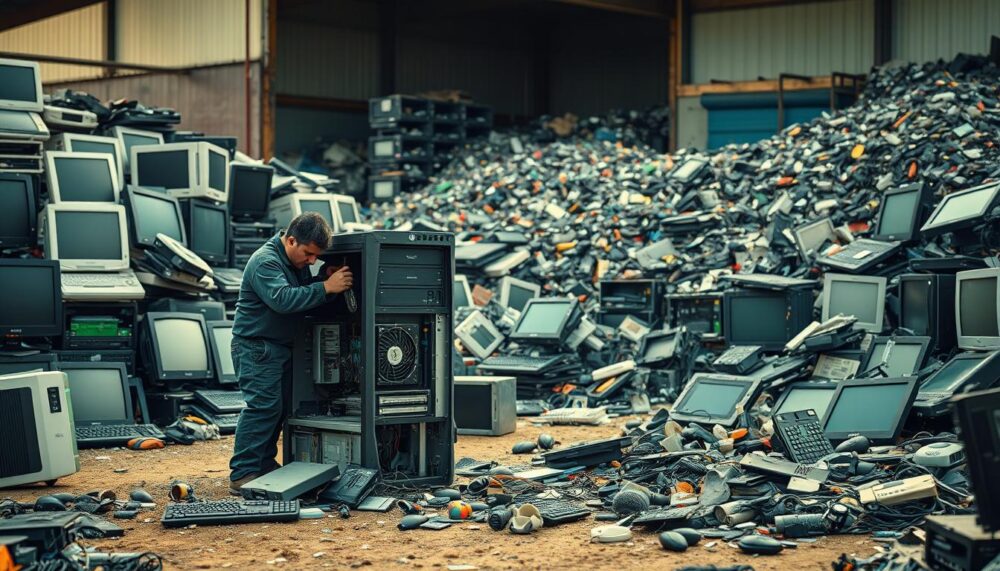
Surprising fact: recycling one million laptops saves as much energy as the electricity used by over 3,500 U.S. homes each year.
TechArtMuse.com publishes this friendly guide so you can take clear, practical steps for responsible tech disposal and reuse.
Electronic waste, or e-waste, is the fastest-growing solid-waste stream in the U.S., yet under 25% gets recycled. Devices contain valuable metals, glass, and plastics that take energy and resources to make. They can also hold harmful materials like mercury and beryllium.
This short how‑to will show simple actions: prepping devices and data, where to take items, and best practices backed by certified programs and retailers like Best Buy, Staples, and Goodwill.
Whether you manage a home upgrade or a company refresh, you can help the environment by extending device life, reselling, repairing, or choosing reputable recycling partners. Small choices today add up to big material and energy savings over the years.
Key Takeaways
- Only a fraction of electronic waste is recycled—better choices matter.
- Repair, reuse, and certified recycling keep valuable materials in use.
- Major retailers and E‑Stewards recyclers offer trusted drop‑off options.
- Prepping data and devices is a simple first step everyone can take.
- TechArtMuse.com provides clear, actionable steps for homes and companies.
Why Recycling Old Computers Matters for the Environment and Your Community
Recycling retired computers protects soil, water, and air where people live, learn, and work. In the United States, less than a quarter of e-waste is recycled, so most electronics still end up as waste that can leach lead, cadmium, or mercury into groundwater.
Burning or dumping devices can release toxic dioxins and furans that harm air quality and public health. Local parks, schools, and neighborhoods feel the effects when hazardous chemicals spread beyond a disposal site.
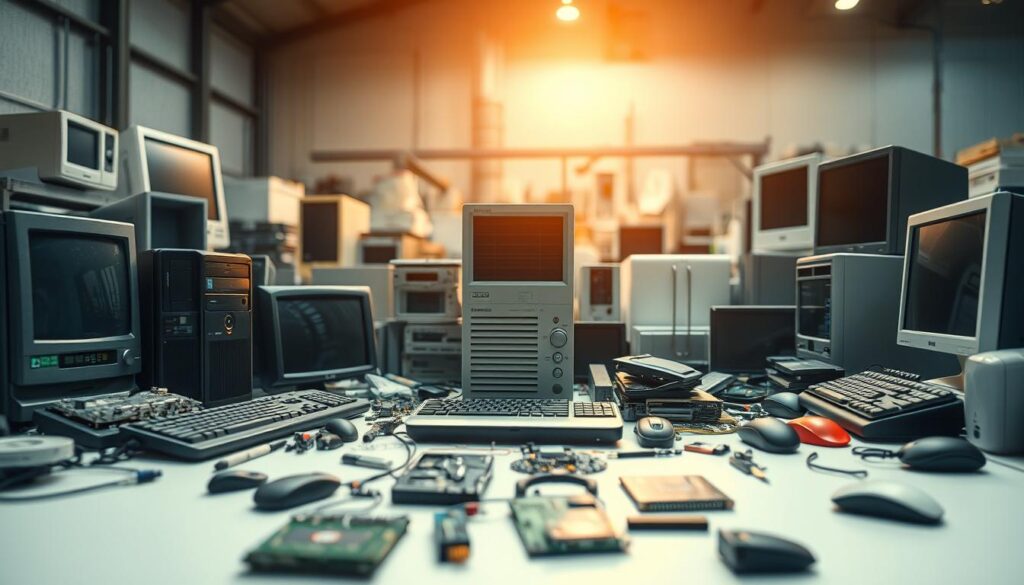
Efficient reuse of materials means fewer raw materials are mined. That conserves energy and protects sensitive habitats. The EPA notes that recycling one million laptops saves energy equal to powering over 3,500 U.S. homes for a year.
Rules vary by state and federal RCRA regulations can classify certain components as hazardous. Tossing devices in the trash can violate laws for specific types of components, so companies and households should follow local guidance.
- Common types of electronics collected: desktops, laptops, monitors (CRTs), printers, and peripherals.
- Every device recycled adds up over the years. Small actions at the device level support cleaner streets and safer water for your community.
Step-by-Step: Prepare Your Computer for Responsible E‑Waste Recycling
Follow a clear checklist to ready each device before you hand it off for e‑waste processing.
Protect data first. Back up files, sign out of accounts, and perform a factory reset so your personal information does not travel with the equipment.
Deauthorize software and wipe storage drives when possible. This readies the computer for reuse, repair, or responsible dismantling.
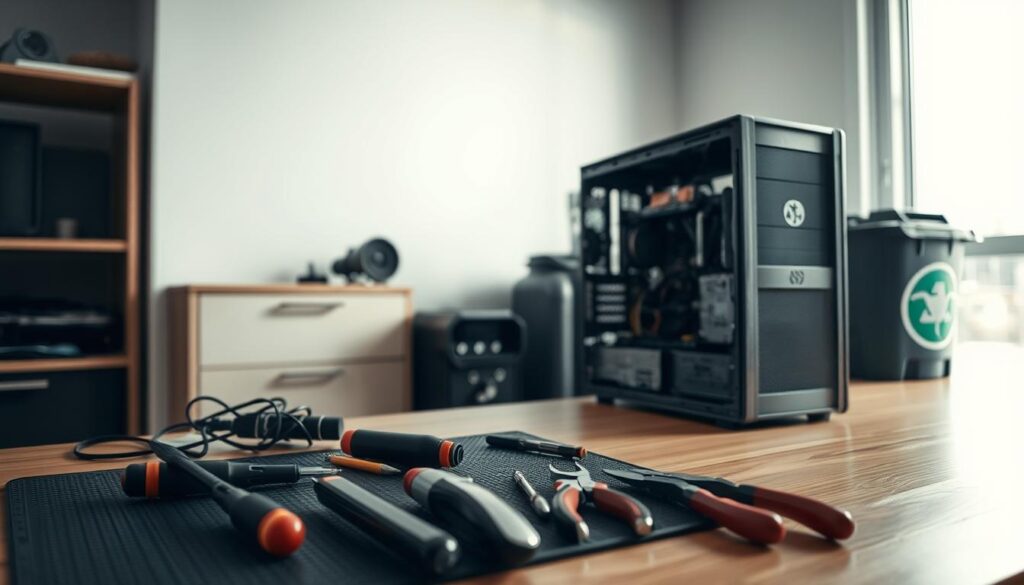
Handle batteries and damaged items carefully. Remove batteries — many programs accept them separately — and bag cracked monitors or broken parts to contain any residue or chemicals. Wear gloves if handling shattered casings.
Unplug accessories, remove drives, RAM, and cables, and keep small parts together so they don’t mix with trash. Label boxes if you have multiple items to speed intake at the recycler.
Choose certified partners and document the handoff. Use tools such as Call2Recycle for batteries and Earth911 or E‑Stewards to find certified recyclers. Note serial numbers and get a receipt for your records.
| Step | Action | Why it matters |
|---|---|---|
| 1 | Backup & factory reset | Protects personal data and prepares device for reuse |
| 2 | Remove batteries | Batteries are handled in special streams to prevent leaks |
| 3 | Bag broken parts | Contains residue and reduces exposure to hazardous chemicals |
| 4 | Label & document | Streamlines intake and provides proof of proper disposal |
Saving landfills from old computers: Where to recycle laptops, desktops, and parts in the United States
Retail drop‑off and mail‑in programs make it simple to recycle devices across the United States.
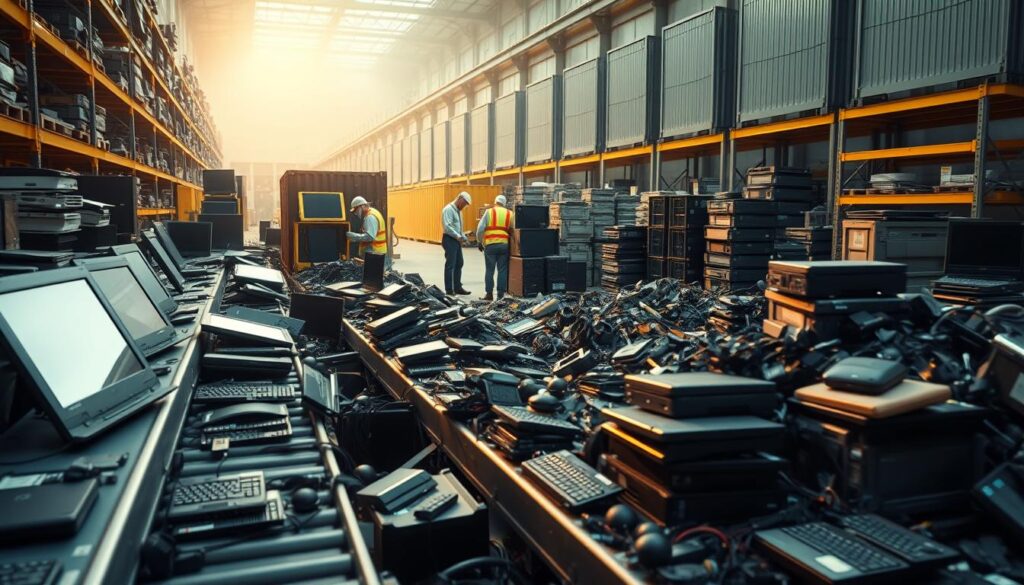
TechArtMuse.com curates trustworthy options so readers can quickly find convenient, compliant drop‑off or mail‑in choices.
Where to start: Best Buy accepts many electronics and computers (typically up to three household items daily and up to five laptops). They also sell paid mail‑in boxes—small (up to 6 lb) and large (up to 15 lb).
- Staples takes desktops, laptops, printers, and more for free and offers a free at‑home battery box.
- Office Depot/OfficeMax runs trade‑in programs and sells paid tech boxes by weight for easy shipping.
- Apple will recycle eligible devices with qualifying purchases; check in‑store rules and third‑party trade‑ins for other models.
- For certified options, use Earth911 or CTA’s Greener Gadgets to find local centers that accept phones, monitors, printers, and other items.
Verify company and state rules before you go—policies differ by store and types of equipment. Keep a short list of trusted places that accept your items so future drop‑offs are fast and compliant.
For Companies and Institutions: Compliant E‑Waste Recycling at Scale
Build a simple, auditable workflow that translates laws into action. A repeatable process keeps teams aligned as you scale from a few systems to full fleet refreshes.
Companies should inventory types e-waste on site—computers, monitors, peripherals, and specialty parts—so collection and transport are clear.
Choose vendors that issue certificates of recycling or destruction. That proof helps companies meet cradle‑to‑grave responsibility and reduces legal and reputational risk.
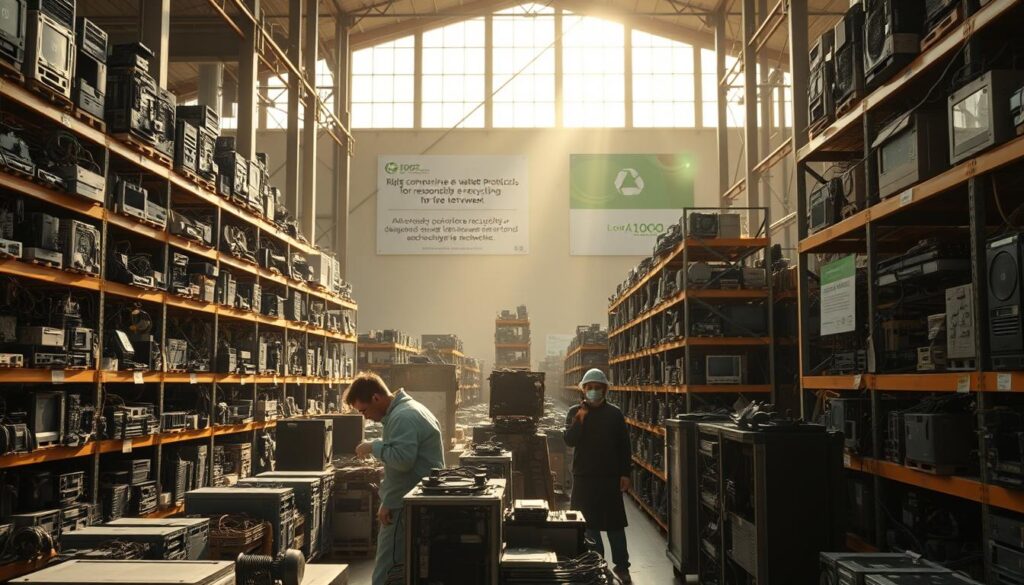
“Maintain records of transfers, serials, and quantities to align with state and federal laws.”
- Define acceptable items and staging areas.
- Train staff to never toss regulated materials in the trash.
- Schedule staged pickups, secure data wiping, and documented handoffs.
- Evaluate partners for certifications, insurance, and chemical handling of CRTs and batteries.
TechArtMuse.com recommends making repair and reuse part of the program where feasible. This shrinks waste, lowers costs, and shows stakeholders your company follows the rules.
Conclusion
Conclusion
Make recycling routine. Gather your computers and other electronics, remove batteries, back up files, and wipe drives before you go.
Choose trusted drop‑off or mail‑in places such as Best Buy, Staples, Earth911, or E‑Stewards. Use Call2Recycle for battery handling and locator tools to find nearby counters.
Keep a short checklist and set a seasonal reminder so each device finds the right path. Companies can track results and reward teams that divert more items and reuse materials.
Visit www.TechArtMuse.com to bookmark this checklist, explore tools, and turn intent into action. Responsible recycling protects the environment, conserves energy, and reduces pressure on landfills—one device at a time.
FAQ
What counts as electronic waste (e‑waste)?
Electronic waste includes devices with circuit boards, batteries, or screens. Common items are laptops, desktops, monitors, tablets, smartphones, printers, and peripherals like keyboards and mice. It also covers components such as hard drives, power supplies, and lithium-ion batteries that require special handling.
Why should I recycle my laptop or desktop instead of throwing it in the trash?
Recycling prevents hazardous materials — like lead, mercury, and cadmium — from contaminating soil and groundwater. It also recovers valuable materials such as gold, copper, and rare earth metals for reuse, reducing the need for new mining and lowering greenhouse gas emissions.
How do I prepare a computer for recycling? Do I need to remove personal data?
Back up your files, then wipe the hard drive using a secure erase tool or perform a factory reset. Remove any removable storage (SD cards, USB drives) and the battery if possible. Keep documentation of data destruction when using a recycler that offers a certificate of data destruction.
Where can I drop off electronics for recycling in the United States?
Retailers like Best Buy accept a wide range of devices for recycling; many municipalities run collection events or drop‑off centers; and certified recyclers certified by e‑Steward or R2 provide responsible processing. Check your state’s environmental agency website for local programs and collection sites.
Are there fees to recycle computers and electronics?
Fees vary. Some retailers and municipalities accept certain items for free, while others — especially for large items like CRT monitors or TVs — may charge a disposal fee. Manufacturer take‑back programs often accept products at no cost during special campaigns.
Can businesses and schools recycle e‑waste in bulk? What regulations apply?
Yes. Companies and institutions should use certified e‑waste recyclers and document chain‑of‑custody. Regulations differ by state; many require proper recordkeeping, manifesting, and secure handling of data‑bearing devices. Contracting an R2 or e‑Stewards recycler helps ensure compliance.
What happens to devices after I drop them off at a recycler?
Recyclers sort items, remove batteries and hazardous components, shred or disassemble electronics, and separate materials for recovery. Usable devices may be refurbished and resold. Responsible facilities follow environmental and worker‑safety standards to minimize pollution.
Can I trade in or donate a working laptop instead of recycling it?
Yes. Trade‑in programs from manufacturers and retailers can give a credit toward a new purchase. Nonprofits and schools often accept working devices for reuse. Donating extends a device’s life and reduces waste, but always wipe personal data first.
How do I dispose of laptop batteries safely?
Remove batteries and take them to a battery recycling site or retailer with a battery drop‑off program. Never put lithium‑ion batteries in regular trash or curbside recycling; they pose fire risks if damaged.
What are certified recyclers, and why should I choose them?
Certified recyclers hold credentials like R2 or e‑Stewards, which require proper handling of hazardous waste, responsible downstream practices, and transparent data‑destruction methods. Choosing certified firms reduces the risk of illegal exporting or unsafe recycling.
Are there state laws I should know about for e‑waste disposal?
Many states have e‑waste laws mandating manufacturer take‑back, banning electronics from landfills, or setting collection requirements. Visit your state environmental agency’s website to find specific rules, accepted items, and approved collection sites.
Can I recycle computer accessories like keyboards, mice, and cords?
Yes. Most recyclers accept peripherals and cables. Remove batteries and any non‑electronic parts first. Check acceptance lists before dropping off to ensure the facility handles mixed plastics and metals.
How often should organizations replace or recycle their IT equipment?
Replacement cycles depend on performance needs, security, and energy efficiency. Many organizations refresh equipment every 3–5 years. When retiring hardware, plan secure data destruction and choose a certified recycler to process components and recover materials.
Will recycling electronics help reduce greenhouse gas emissions?
Yes. Recovering metals and plastics cuts the need for raw material extraction and manufacturing, which lowers energy use and emissions. Reuse and refurbishment further extend device lifespans and reduce the environmental footprint of technology.